Project planning, reimagined
Stop listing tasks.
Start shaping plans.
Optima rethinks project planning from the ground up — a canvas to think on, a timeline you drag across, and a day you block out by hand. Less typing into boxes, more shaping the actual plan.
ScrollMost tools hand you a list.
Optima hands you this.
Three views that turn planning from typing into doing — sketch the idea, drag it across time, then block out your day by hand.
- 01Think it through·Spaces
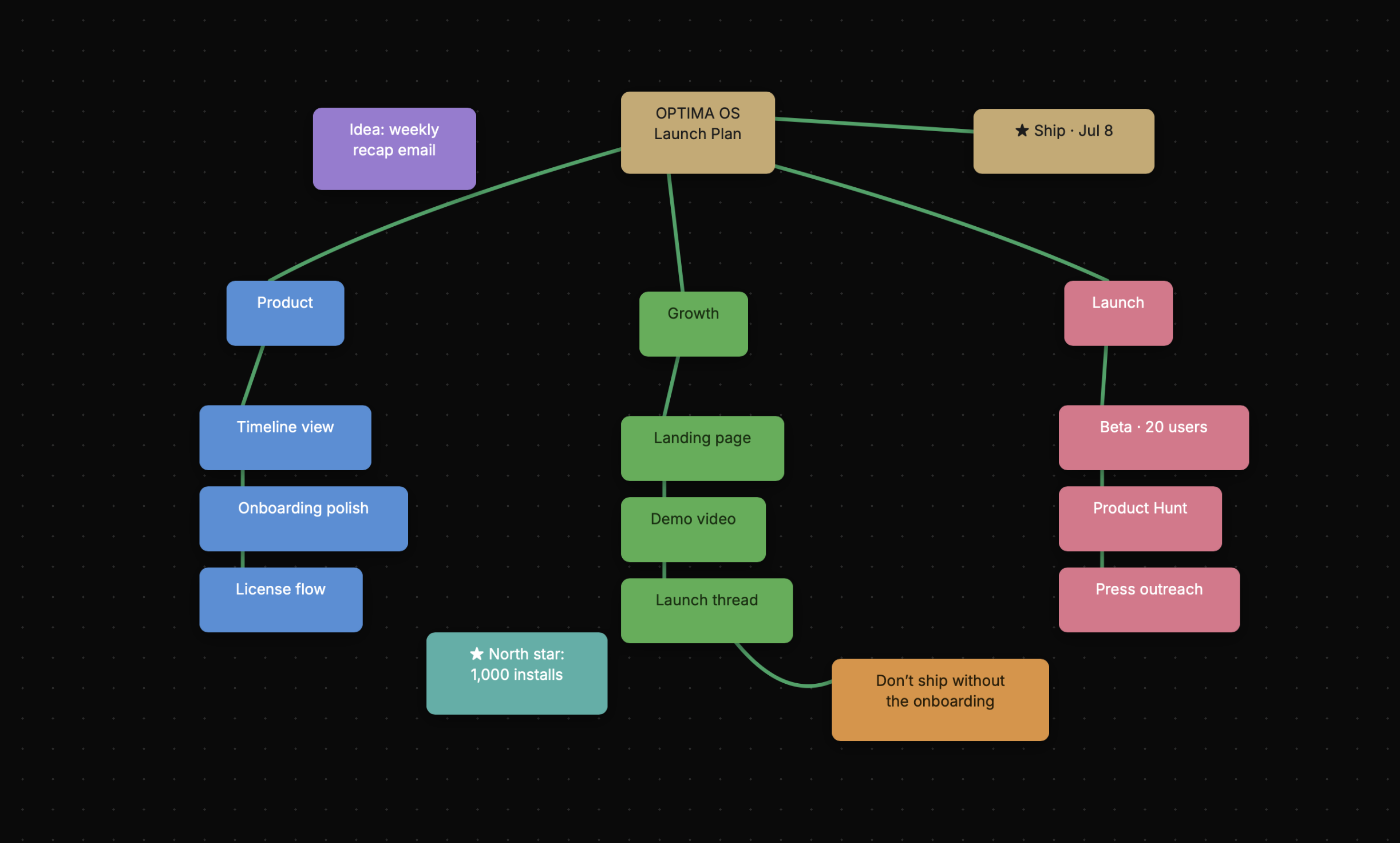
Start on a blank canvas.
Before a single date gets set, the project lives in your head. Spaces is an infinite canvas to get it out — map the moving pieces into nodes, draw the connections, and turn a messy brief into something you can actually act on.
- Infinite canvas, zero clutter
- Connect ideas visually
- From brain-dump to clear plan
- 02Plan it out·Timeline
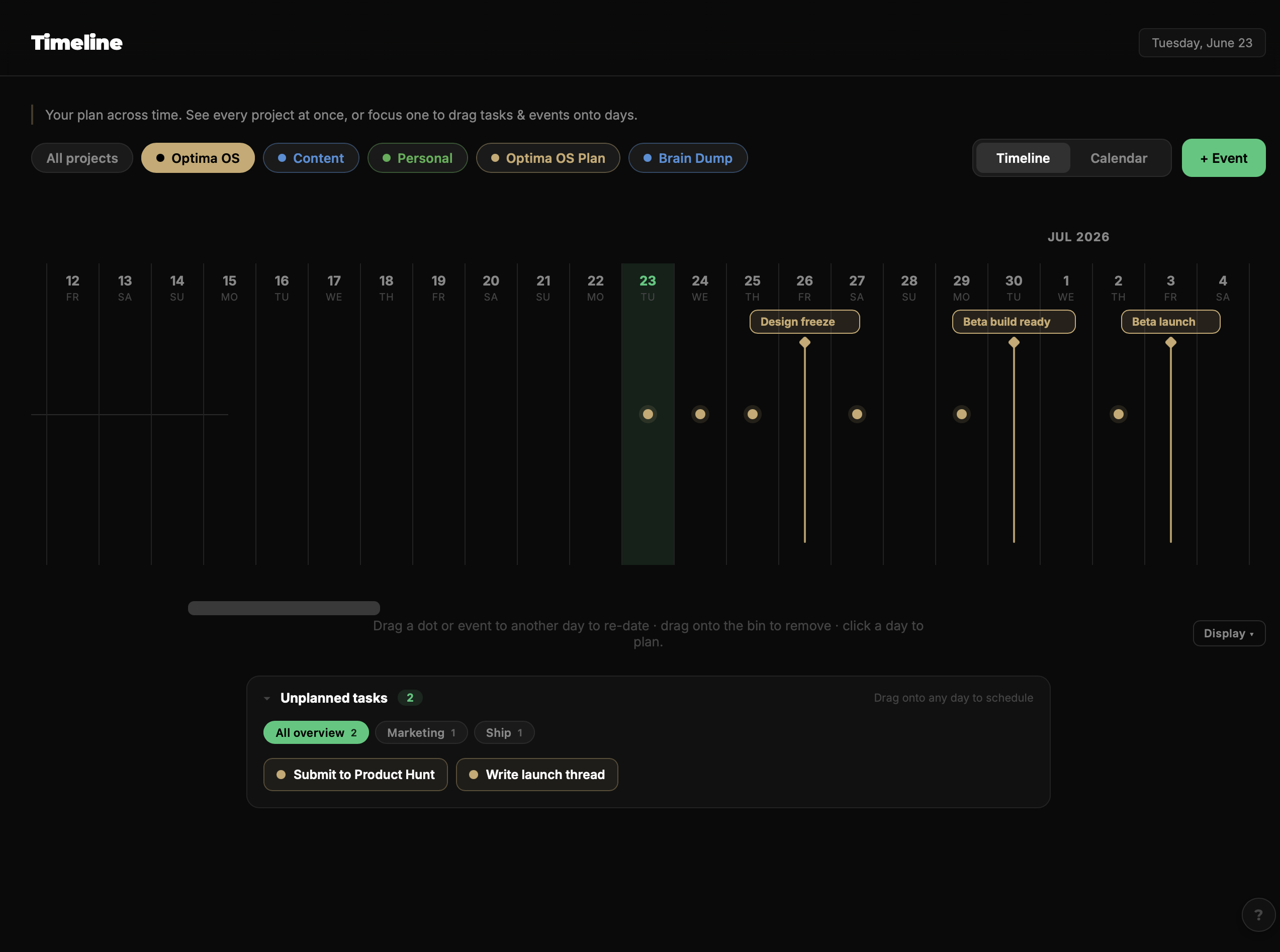
Lay the work across time.
Now give the plan a shape. Every project stretched across days, weeks and months — drag tasks onto the days they belong, pull them back to un-plan, and flip the same view between a timeline and a calendar.
- Drag tasks & events onto days
- All projects at once, or focus one
- Timeline ⇄ calendar views
- 03Get it done·Time Blocking
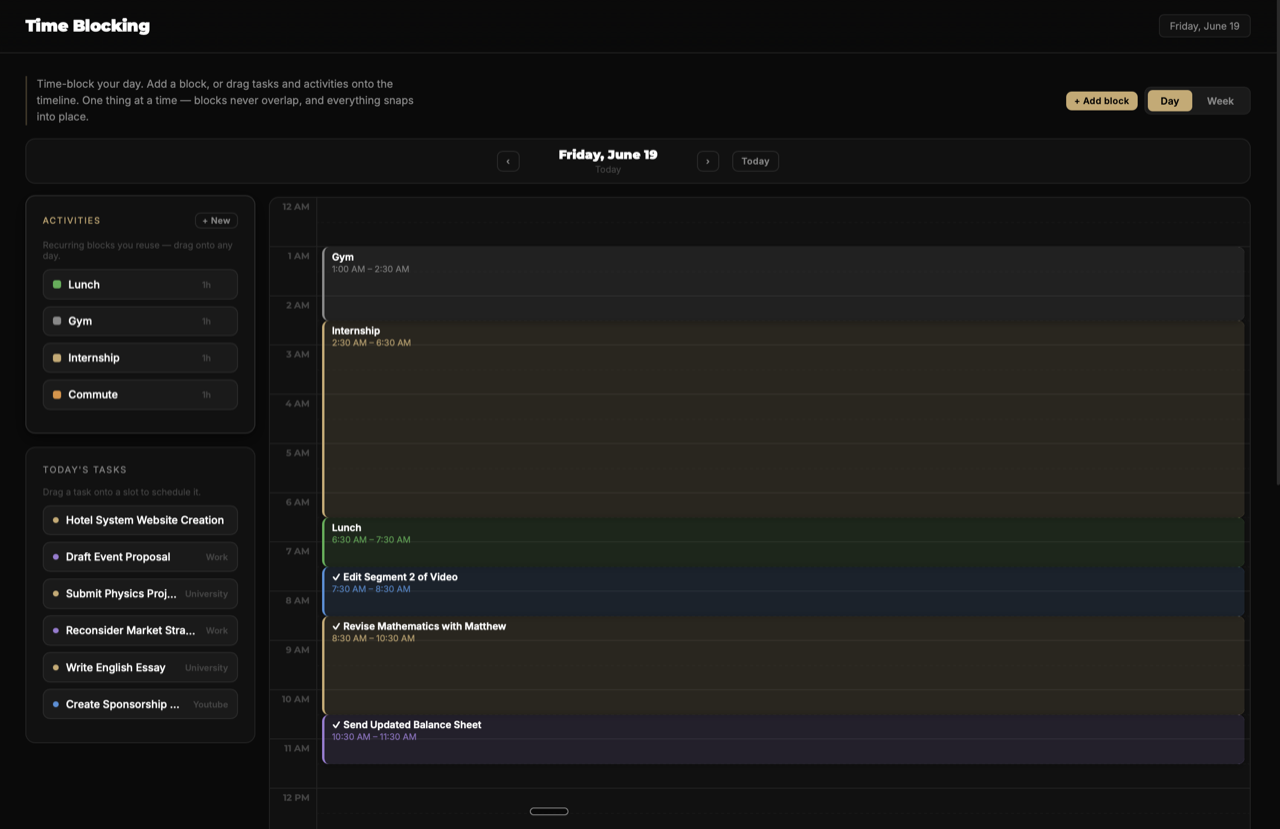
Block today and go.
Planning is nothing without the doing. Draw a block across empty time, drag its edges to resize, grab the body to move it — everything snaps to clean half-hour slots and refuses to overlap, so today always stays legible.
- Drag to draw, resize & move
- Snaps to half-hours, never overlaps
- Drop tasks straight onto the day
Not another to-do list.
A planner built around seeing your work — and keeping it yours.
Visual by default
See your plan as a canvas, a timeline, a day you can grab — not a wall of text.
Unlimited projects
A side project or your next big launch — no cap, no tiers, no upgrade prompt.
One window, no tabs
Canvas, timeline and tasks — switch views in a keystroke, not six browser tabs.
Works offline
Your data lives on your machine. Open it anywhere — no login, no cloud needed.
Built for one today, for teams tomorrow. Integrations and shared, collaborative projects are on the roadmap — rolling out over time as Optima grows.
Plan your next project the new way.
Optima lands on Mac & Windows soon. Join the waitlist and get the download the day it ships.
Join the waitlist
Launching soon on Mac & Windows · $19 at launch, pay once.